


A couple of years ago, “AI agent” sounded like a phrase investors used to make a slide deck feel exciting. Today it describes something you can actually put to work on a Tuesday morning: software that reads your inbox, researches a topic, fills in a spreadsheet, and checks back with you only when it truly needs a decision.
That shift is real, but so is the noise. Every tool now calls itself an agent, and many of them are just a chatbot with a new label. If you have ever signed up for one and ended up babysitting it harder than you would babysit an intern, you know the feeling.
So this guide cuts through it. Below you will find the best AI agents worth your time right now, what each one is good at, where it struggles, what it costs, and who should skip it. I have also included a plain-English section on how agents differ from regular automations, because that one idea saves people a lot of wasted money.
Let’s get into it.
What is an AI agent?
An AI agent is software that takes a goal, figures out the steps on its own, uses tools to carry them out, and adjusts when something doesn’t go as planned. You tell it what you want, not exactly how to do it.
Compare that with a normal chatbot. A chatbot answers a question and waits. An agent can open a browser, pull data from your CRM, draft the email, attach the file, and send it for approval. The difference is action, not conversation.

A useful mental picture is a capable junior colleague. They can follow instructions, they can make small judgment calls, and they will occasionally get something wrong in a way that makes you sigh. The more clearly you explain the job, the better they perform. Vague instructions in, vague results out.
Most agents share four ingredients:
- A goal or instruction written in everyday language.
- A language model that does the reasoning and decides what to do next.
- Tools and integrations such as email, calendars, spreadsheets, browsers, and databases.
- Memory or context so it remembers your preferences and earlier steps.
Take away any one of those and you get something much weaker. An agent with no tools can only talk. An agent with no context keeps asking you the same questions.
Can I use AI agents without any coding skills?
Yes, and this is where the market has changed the most. Several of the tools below are fully no-code. You describe the task, connect your apps, and the agent does the rest. A few others, like n8n, reward people who are comfortable with a bit of technical thinking, but even those have friendly starting points.
Most platforms also offer a free plan or trial, so you can test one before spending anything. If you are new to the whole area, our roundup of the 10 best free AI tools to try is a gentle place to begin before moving to full agents.
What to look for in an AI agent
I could hand you a ranked list and walk away, but that would be a disservice. The best agent for a solo blogger is a poor choice for a bank, and the other way around. Here is what I would check before committing to any of them.
1. Model flexibility. Different models are better at different jobs. Some write beautifully, some are strong at code, some are better at analyzing messy data. A platform that lets you switch models gives you room to improve results later. A platform locked to one model is fine only if that model suits your work.
2. Integrations with the tools you already use. Nobody wants to rebuild their entire workflow around a new product. Before signing up, confirm the agent connects to your email, calendar, CRM, project tool, and chat app. A brilliant agent that cannot reach your data is just an expensive demo.
3. Human approval controls. The good ones pause before sending an email to a client or deleting a record. If an agent can act without ever asking, you need to be very sure about how it behaves. Look for approval steps, activity logs, and an easy way to undo things.
4. Honest pricing. Agent pricing can be confusing. Some charge per user, some per task, some per “credit,” and credits can drain quickly on heavy jobs. Estimate your real monthly usage before you pick, not just the headline price.
5. Security and data handling. If the agent touches customer data or internal documents, find out where that data goes, whether it is used for training, and what compliance the vendor offers. This matters far more for a company than for an individual.
6. Ease of debugging. Agents will fail sometimes. The tools that show you what the agent did, step by step, are much easier to fix than the ones that fail silently and leave you guessing.
Those six points will take you further than any ranking. Keep them in mind as you read the list.
The 7 best AI agents in 2026
Here is the shortlist:
- ChatGPT Work
- Claude
- Lindy
- Zapier Agents
- n8n
- Gumloop
- Relevance AI
A quick note on pricing: AI companies change plans often. The figures below reflect what was published at the time of writing, but always confirm on the vendor’s pricing page before you buy.
1. ChatGPT Work
- Best for: Research, reports, and multi-step tasks if you already live inside ChatGPT
- Pricing: Limited access on the free plan, fuller access from Plus at around $20/month, higher tiers for heavy use
- What stands out: Zero setup, scheduled and triggered tasks, and approval prompts before important actions
ChatGPT Work is OpenAI’s agent for longer jobs. You give it an objective, and it researches, analyzes, and produces finished output like documents, spreadsheets, and slide decks. It can run once, run on a schedule, or start when something happens, such as a new email arriving.

The biggest advantage is how little effort it takes to start. If you already pay for ChatGPT, there is nothing to install and nothing to wire together. You just ask. For personal productivity, such as weekly market summaries or turning raw notes into a clean report, it is hard to beat for convenience.
The limit shows up when your needs get more specific. You are working inside OpenAI’s world, with OpenAI’s models and a narrower set of connections to outside tools. That is fine for individual tasks. It is less ideal if you want a company-wide system that touches ten different apps.
Pros:
- Very easy to start, with no technical setup
- Strong at web research and turning findings into polished documents
- Can run on a schedule or react to events
- Asks for confirmation before consequential actions
Cons:
- Locked to OpenAI models
- Fewer connections to your wider software stack than dedicated automation platforms
- Better for individual work than for complex, team-wide processes
Verdict: A smart first agent for anyone already paying for ChatGPT. If your needs grow beyond personal tasks, you will probably outgrow it.
2. Claude
- Best for: Writing-heavy work, document analysis, coding help, and careful reasoning
- Pricing: Free tier available, paid individual plans start at roughly $20/month, with higher tiers and team plans above that
- What stands out: Thoughtful, readable output and strong handling of long documents

Claude from Anthropic has moved well beyond a chat window. It can work with files, connect to outside tools, handle long multi-step jobs, and help with coding through separate developer tools. People tend to choose it when the quality of the writing and reasoning matters as much as the speed.
Where it shines is anything document-heavy. Feed it a long contract, a stack of research papers, or a messy spreadsheet, and ask for a summary or analysis. The responses tend to be organized, measured, and easy to follow. For writers, analysts, and consultants, that tone is a real benefit.
It is less of a plug-and-play business automation tool than something like Zapier. If you want an agent that quietly processes five hundred support tickets while you sleep, you will likely pair Claude with an automation platform rather than use it alone.
Pros:
- Excellent at long documents, nuanced writing, and structured analysis
- Useful across writing, research, and coding
- Clear, natural output that needs less cleanup
Cons:
- Not a dedicated workflow automation platform on its own
- Usage limits can matter if you work with very large files all day
- Best results come from well-written instructions
Verdict: A strong pick for knowledge workers who care about output quality. Pair it with an automation tool if you need high-volume background work.
If you want better results from any AI assistant, learning to write sharper instructions helps enormously. Our guide on 5 AI prompts that instantly improve your blog titles shows how small changes in wording can lift the output.
3. Lindy
- Best for: Sales and customer support teams that want a ready-made AI teammate
- Pricing: Free trial with starter credits, then paid plans from about $29.99/month per user
- What stands out: Slack-friendly, simple interface, and a long list of integrations
Lindy is built around the idea of an AI employee. You set it up for a specific role, such as answering inbound questions, qualifying leads, scheduling meetings, or drafting follow-ups, and it works through your existing tools like Gmail, Slack, Notion, and Salesforce.

The interface is approachable, which matters if the person building the agent is a sales manager, not an engineer. Because it works well inside Slack, teammates can talk to it the way they would message a coworker, which makes adoption easier.
The thing to watch is cost at scale. Billing is per user, and heavier jobs such as long research tasks can use credits quickly. A five-person pilot is cheap. A fifty-person rollout deserves a calculator.
Pros:
- Clear focus on sales and support use cases
- Simple, friendly interface
- Wide range of integrations
- Works naturally inside Slack
Cons:
- Per-user pricing adds up as the team grows
- Credit usage can climb on larger tasks
- Less flexible for unusual or highly custom workflows
Verdict: A good fit if your biggest pain is inbox volume, lead follow-up, or support triage. Less suited to broad, custom automation.
4. Zapier Agents
- Best for: Non-technical teams that want a familiar platform with huge app coverage
- Pricing: Free plan available, paid agent plans from about $33/month billed annually
- What stands out: Thousands of app connections, plenty of tutorials, and a true no-code approach
Zapier has been connecting apps for years, and its agent product builds on that foundation. You describe what you want in plain language, and it assembles an agent that can read data, make decisions, and act across the apps you already use.
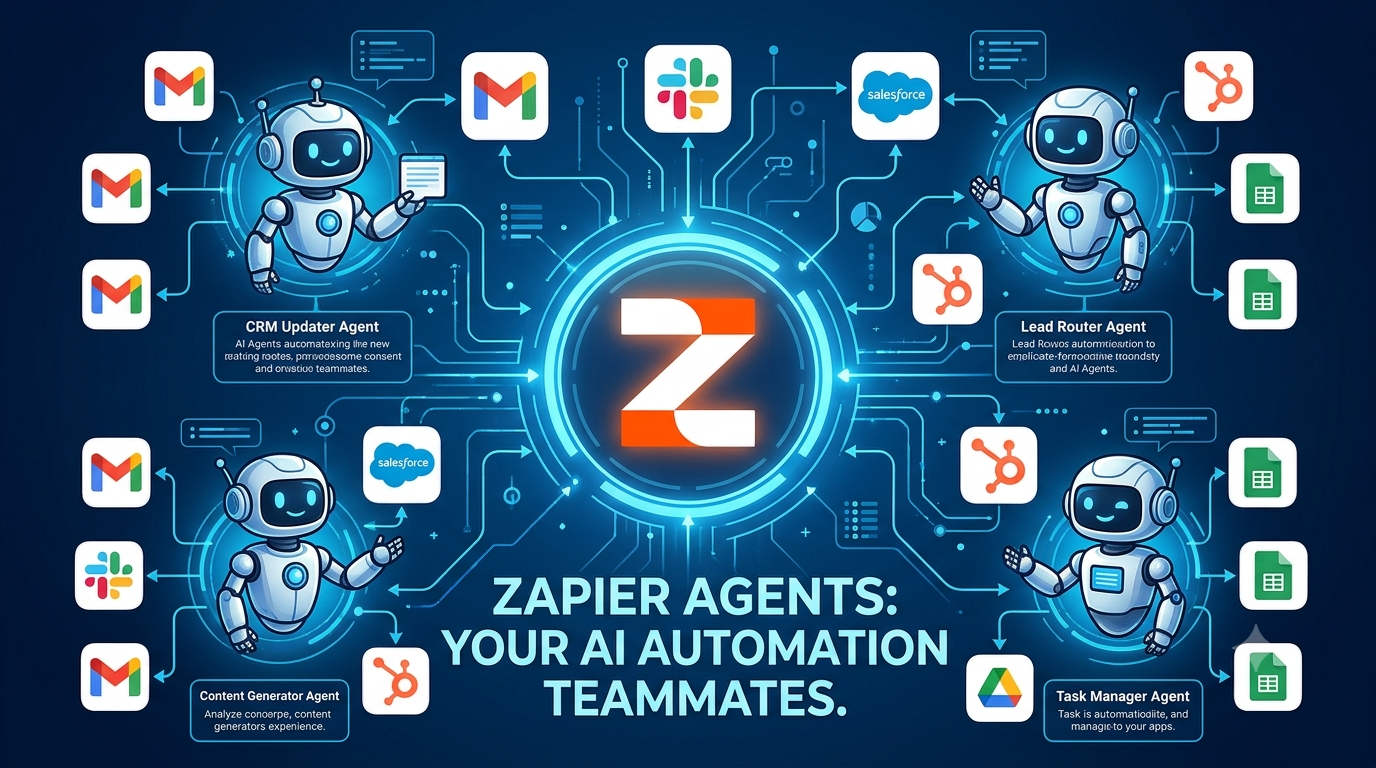
The real strength here is reach. Few platforms connect to as many tools, and because Zapier has been around so long, almost any question you have has already been answered in a tutorial or forum thread. For a team that wants reliability and a gentle learning curve, that counts for a lot.
One thing to know going in: agent plans are priced separately from the core Zapier plans, so you may end up paying for both. Factor that in before comparing against competitors.
Pros:
- Enormous library of app integrations
- Excellent documentation and community resources
- Genuinely no-code and beginner-friendly
- Mature, stable platform
Cons:
- Agents and core automations are billed separately
- Can feel less flexible than code-friendly tools for complex logic
- Task and activity limits require some monitoring
Verdict: The safest choice for non-technical teams that value reliability and support over cutting-edge flexibility.
5. n8n
- Best for: Technical teams that want control, flexibility, and the option to self-host
- Pricing: Free trial, paid cloud plans from about $20/month billed annually, with a self-hosted community option
- What stands out: Open approach, big template library, and deep customization
n8n sits in a different spot from the rest. It is a visual workflow builder with strong AI features, and it gives you the freedom to host it on your own servers. If data privacy is a top concern, or you simply like owning your infrastructure, that option is a major draw.
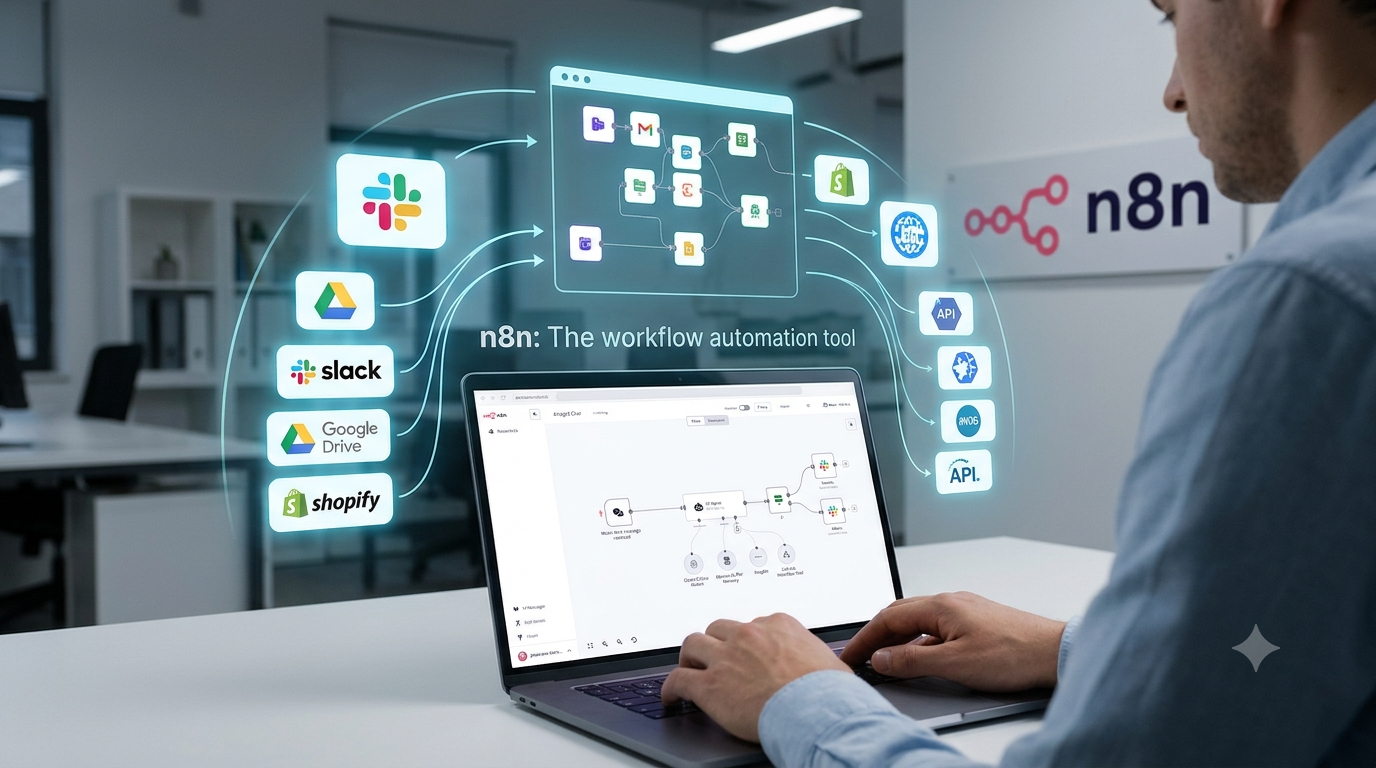
There is also a large community sharing ready-made workflows, so you rarely start from a blank canvas. For developers and technical marketers, it feels like having a toolbox instead of a finished appliance. You can build almost anything, but you will need to put in some effort.
That effort is the trade-off. The interface is more utilitarian than polished, and people new to automation can find the learning curve steep at first.
Pros:
- Self-hosting for maximum data control
- Large library of community templates
- Highly flexible for complex agents
- Reasonable entry pricing
Cons:
- Steeper learning curve for beginners
- Interface feels more technical than friendly
- Higher tiers may require you to manage your own infrastructure
Verdict: Excellent for technical users who want power and control. Beginners may prefer something gentler.
6. Gumloop
- Best for: Teams that want to build shared agents anyone in the company can run
- Pricing: 14-day free trial, then paid plans from about $37/month
- What stands out: Unlimited seats on paid plans, access to many AI models, and support for connecting tools through MCP
Gumloop is built around teamwork. Instead of one person building a clever automation that nobody else touches, anyone with the right access can create an agent, and the rest of the organization can use it like an internal app. That makes it feel more like shared company infrastructure than a personal tool.
Flexibility with models is a real plus. You are not tied to a single provider, which lets you pick the model that suits each job. The browser-based agent features also let your automations operate on websites that do not have a tidy integration.
It is a younger platform, so the community and template ecosystem are smaller than at Zapier or n8n, and features shift quickly. Some of the stricter enterprise controls are reserved for the custom tier.
Pros:
- Built for sharing agents across a whole team
- Multi-model flexibility
- Billing at the organization level instead of per seat
- Browser automation for sites without integrations
Cons:
- Smaller community than the biggest names
- The product changes quickly, so the interface may shift
- Advanced security controls sit on the enterprise tier
Verdict: A great choice for growing teams that want shared, reusable agents without per-seat pricing.
7. Relevance AI
- Best for: Teams that want to build a small “workforce” of specialized agents
- Pricing: Free plan available, paid plans scale with usage (check their pricing page for current numbers)
- What stands out: Multi-agent setups and a no-code builder aimed at business users
Relevance AI focuses on building agents that work together. Instead of one all-purpose assistant, you can create a researcher, a writer, and a reviewer, and let them hand work to each other. For sales research, lead enrichment, and content pipelines, that division of labor can produce cleaner results than a single agent trying to do everything.
It is approachable for people who are not engineers, though getting a multi-agent setup to behave well takes some experimenting. Plan on a few rounds of adjustment before it feels dependable.
Pros:
- Strong multi-agent approach
- No-code builder suited to business users
- Good fit for research and outreach workflows
Cons:
- Multi-agent setups need careful tuning
- Usage-based pricing is harder to predict
- Smaller brand recognition than the biggest platforms
Verdict: Worth a look for sales and operations teams ready to go beyond a single assistant.
Quick comparison table
| Agent | Best for | Technical skill needed | Starting price |
|---|---|---|---|
| ChatGPT Work | Personal research and reports | None | Free / ~$20 per month |
| Claude | Writing, analysis, long documents | None | Free / ~$20 per month |
| Lindy | Sales and support teams | Low | ~$29.99 per user per month |
| Zapier Agents | Non-technical teams | Low | Free / ~$33 per month annually |
| n8n | Technical teams | Medium to high | ~$20 per month annually |
| Gumloop | Shared team agents | Low to medium | ~$37 per month |
| Relevance AI | Multi-agent workflows | Low to medium | Free / usage-based |
The difference between an AI agent and an AI workflow
This is the part most people skip, and it is the part that saves the most money.
A workflow follows a fixed path. Something happens, step one runs, then step two, then step three, and you get the same kind of result every time. It is predictable, cheap to run, and easy to debug. Think of a recipe.
An agent decides its own path. It looks at the situation, chooses which tool to use, checks the result, and adapts. It is more flexible, but also less predictable, and it costs more to run. Think of a chef who improvises based on what is in the fridge.
Neither is better. They solve different problems. If a job is repetitive and the steps never change, a workflow is almost always the right call. If a job involves judgment, messy inputs, or changing circumstances, an agent earns its keep.
My advice for beginners: build one reliable workflow first. Once it works, add an agent on top to decide when and how to use it. Agents are only as capable as the tools you give them, so solid building blocks matter more than a clever agent.
Most platforms in this list handle both approaches, so you do not need to choose before you start.
How to get your first AI agent working this week
You do not need a big project. A simple plan works better.
Step 1: Pick one boring, repetitive task. Something you do at least weekly and can explain clearly. Summarizing meeting notes, sorting inbound emails, or compiling a weekly report are all good first targets.
Step 2: Write down the steps like you are training a new hire. If you cannot explain the job, the agent cannot do it. This single habit separates people who love agents from people who give up on them.
Step 3: Start with approvals on. Let the agent draft and propose, while you click send. After a couple of weeks of good results, loosen the controls.
Step 4: Measure the time saved. Track it for a month. If it does not save time, change the instructions or switch tools.
Step 5: Expand slowly. Add one new task at a time.
If your agent will be producing content, such as blog drafts, captions, or scripts, it helps to have purpose-built helpers around it. Crestexa’s AI generators cover the common content jobs, and the Blog and Article Writer is handy for getting from a keyword to a first draft. For social posts, try the Social Media Captions tool, and for video, the Video Scripts and Hooks generator. You can see how these fit together on the How It Works page.
Using AI agents for content and marketing
Content is one of the most natural uses for agents, because so much of it is structured: research, outline, draft, edit, repurpose, publish.
A realistic setup might look like this. One agent gathers sources and pulls out the useful points. Another turns them into an outline. You write or refine the draft yourself, then hand it to an agent that creates social posts and an email blurb from the finished piece.
A few small tools make that pipeline smoother. A strong headline lifts everything that follows, so a blog title generator is worth keeping open in a tab. Subject lines decide whether anyone opens your newsletter, which is why an email subject line generator pays for itself. And when AI-written text sounds a bit stiff, the Paraphrase and Tone Changer helps you reshape it into something that sounds like you.
One firm piece of advice: always read what the agent produces before it goes public. The tools are good, but they still invent details now and then, and readers can tell when nobody looked.
If visuals are part of your process, our walkthrough on mastering Nano Banana 2.5 covers AI image generation step by step.
Common mistakes to avoid
- Automating a process you don’t understand. Fix the process first, then automate it.
- Giving the agent too much access too soon. Start with read-only or approval-required settings.
- Ignoring costs. Credits and per-seat fees creep up. Review your bill monthly.
- Expecting perfection. Agents make mistakes. Build in review steps.
- Picking a tool because of hype. Match the tool to your actual workflow and team skill level.
Frequently asked questions
What are the best AI agents right now?
It depends on your needs. ChatGPT Work and Claude are strong for individuals. Lindy and Zapier Agents suit business teams that want low effort. n8n suits technical users. Gumloop and Relevance AI are good for teams that want shared or multi-agent setups.
Are AI agents free?
Many offer a free plan or trial, but free plans are limited in usage. For regular business use, expect to pay somewhere between roughly $20 and $100 per month per user or team, depending on volume.
What is the difference between an AI agent and a chatbot?
A chatbot responds to questions. An agent takes actions toward a goal, using tools such as email, browsers, and spreadsheets, and can work through several steps with limited input from you.
Can AI agents replace employees?
Not in any broad sense. They handle repetitive, well-defined tasks well and save people hours. They still need oversight, clear instructions, and human judgment for anything important or sensitive.
Are AI agents safe for business data?
It depends on the vendor. Check where data is stored, whether it is used to train models, and what compliance certifications exist. For sensitive data, consider platforms with self-hosting or enterprise security controls.
Do I need to know how to code?
No. Several tools here are completely no-code. Technical skills only become useful if you pick a platform like n8n and want to go deep on customization.
How do I choose between so many options?
Start with your team’s skill level and the apps you already use. Pick the tool that connects to your stack, offers approval controls, and fits your budget. Then test it on one small task before committing.
Final thoughts
The best AI agent is the one that quietly removes a chore from your week and does not cause new headaches. There is no single winner. A freelance writer, a support team, and an engineering group will each land on a different answer, and that is fine.
My suggestion: choose one task, pick one tool from the list above, and run a small test for two weeks. You will learn more from that than from any comparison article, including this one.
If you want to keep exploring AI tools, browse the rest of the Crestexa blog for more guides, and check out the full set of AI generators to speed up your content work.